

NewFor Apple Silicon Macs
Containers on your Mac. Your Docker workflow intact.
EZGH DevRun is a lightweight alternative to Docker Desktop: a desktop app and CLI that run your containers in a Linux VM on Apple Silicon. Your Docker CLI, Compose files and Buildx builds keep working.
Features
One runtime for the app, the CLI and Docker.
The desktop app, the devrun CLI and your Docker clients see the same containers, images and volumes. Use whichever is closest to hand.
Docker and Compose
Point the Docker CLI at DevRun with one command. Compose projects, named networks with service aliases, logs, exec and events keep working.
Builds with Buildx
docker build and compose up --build run on a BuildKit builder inside the VM. Images load straight into DevRun and the cache survives restarts.
Your files, mounted
Bind-mount anything under your home folder or /tmp, and share more folders when you need them. Edits on your Mac show up in your containers.
Ports on localhost
Published TCP ports listen on 127.0.0.1 on your Mac, so localhost:8080 is your container. Nothing is exposed to your network.
Real terminals
Open a shell from the app, or run devrun container exec -it. Resizing, Ctrl-C, detach and exit codes behave the way they should.
Storage that gives back
Named volumes keep their data across container removal and restarts. The disk is sparse and trimmed hourly, so deleted images free space on your Mac.
Docker and Compose
Keep the commands you already know.
Install the devrun CLI and set up DevRun's builder once, then point any shell at DevRun. docker, docker compose and docker buildx talk to it like any other engine.
Install the devrun CLI
One command. It’s the same CLI the app uses, for Apple Silicon.
Install the Docker CLI and Buildx
Buildx 0.14 or newer. No Docker Engine or Docker Desktop.
Point a shell at DevRun
devrun builder-setup once, then devrun docker-env in each shell. Your saved Docker contexts stay as they are.
# once$ sudo mkdir -p /usr/local/bin$ curl -fsSL https://devrun.app/download/cli | \ sudo tar -xz -C /usr/local/bin devrun$ devrun builder-setup# in each shell$ eval "$(devrun docker-env)"$ docker compose up --build[+] Building 10.4s (14/14) FINISHED ✔ Container app-postgres-1 Started ✔ Container app-redis-1 Started ✔ Container app-api-1 Started$ curl localhost:8080/health{"ok":true}The desktop app
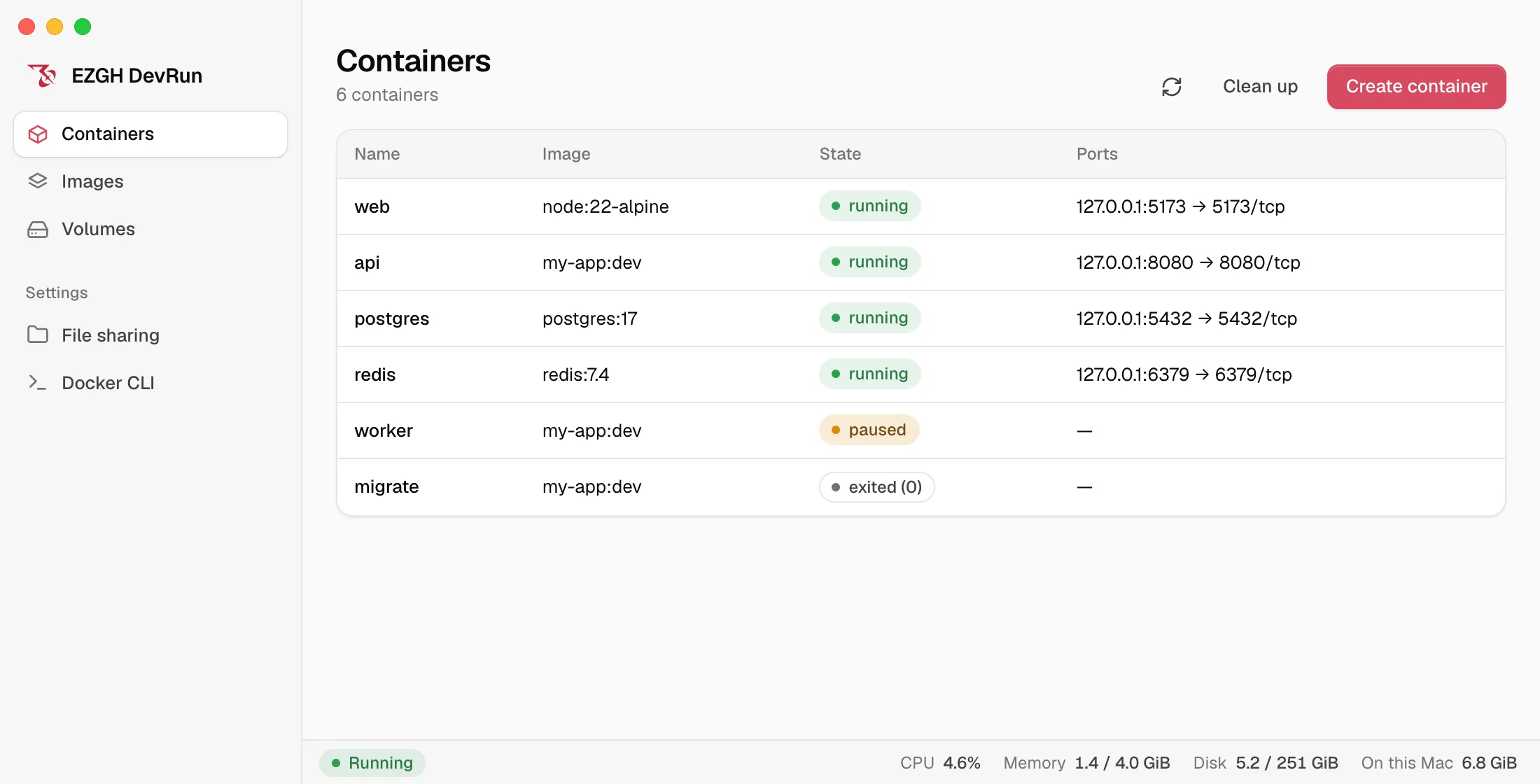
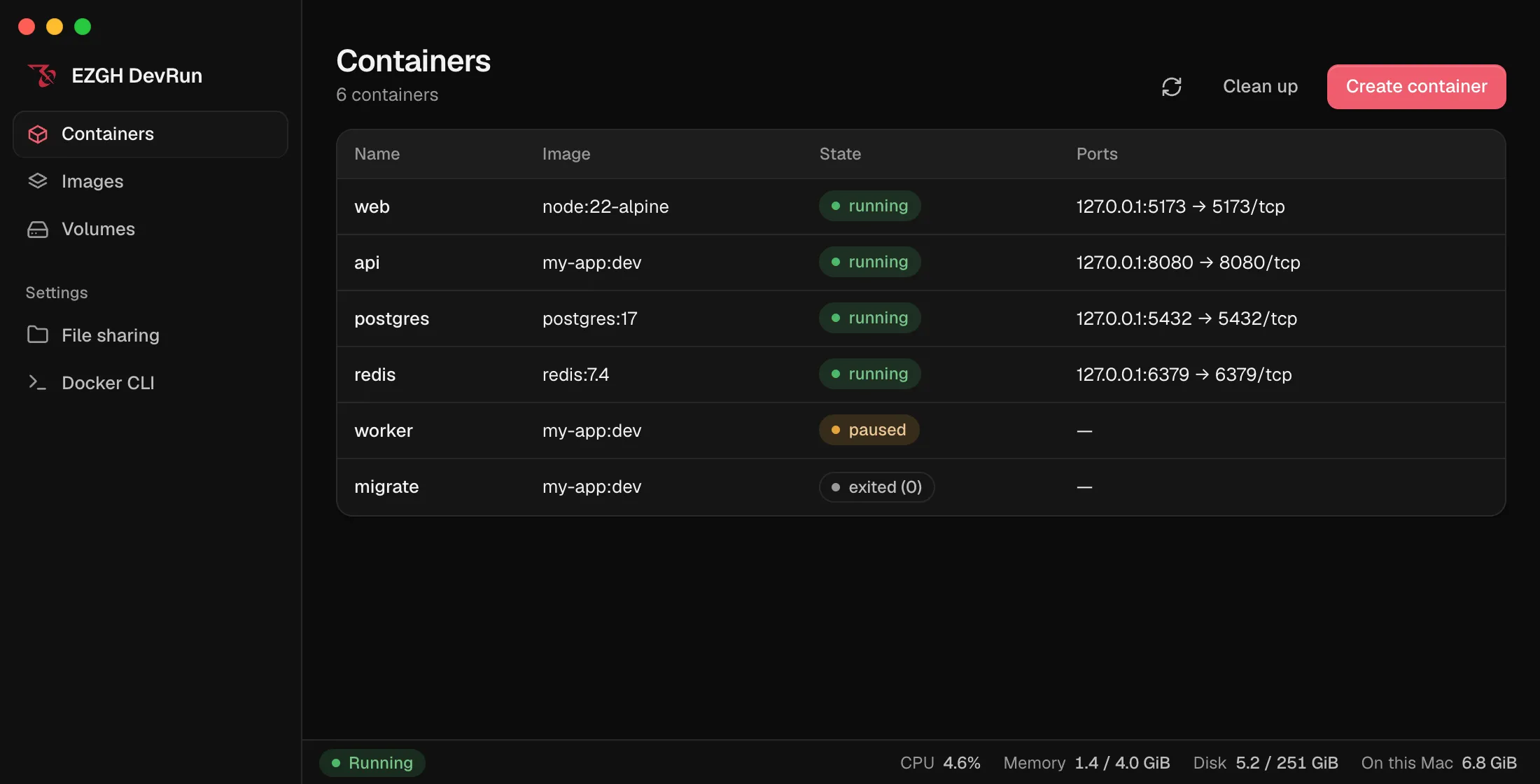
See and control everything in one window.
Open DevRun and the VM starts on its own. Close it and your containers keep running for the CLI.
Containers, images and volumes
One list each, with state, image and ports at a glance.
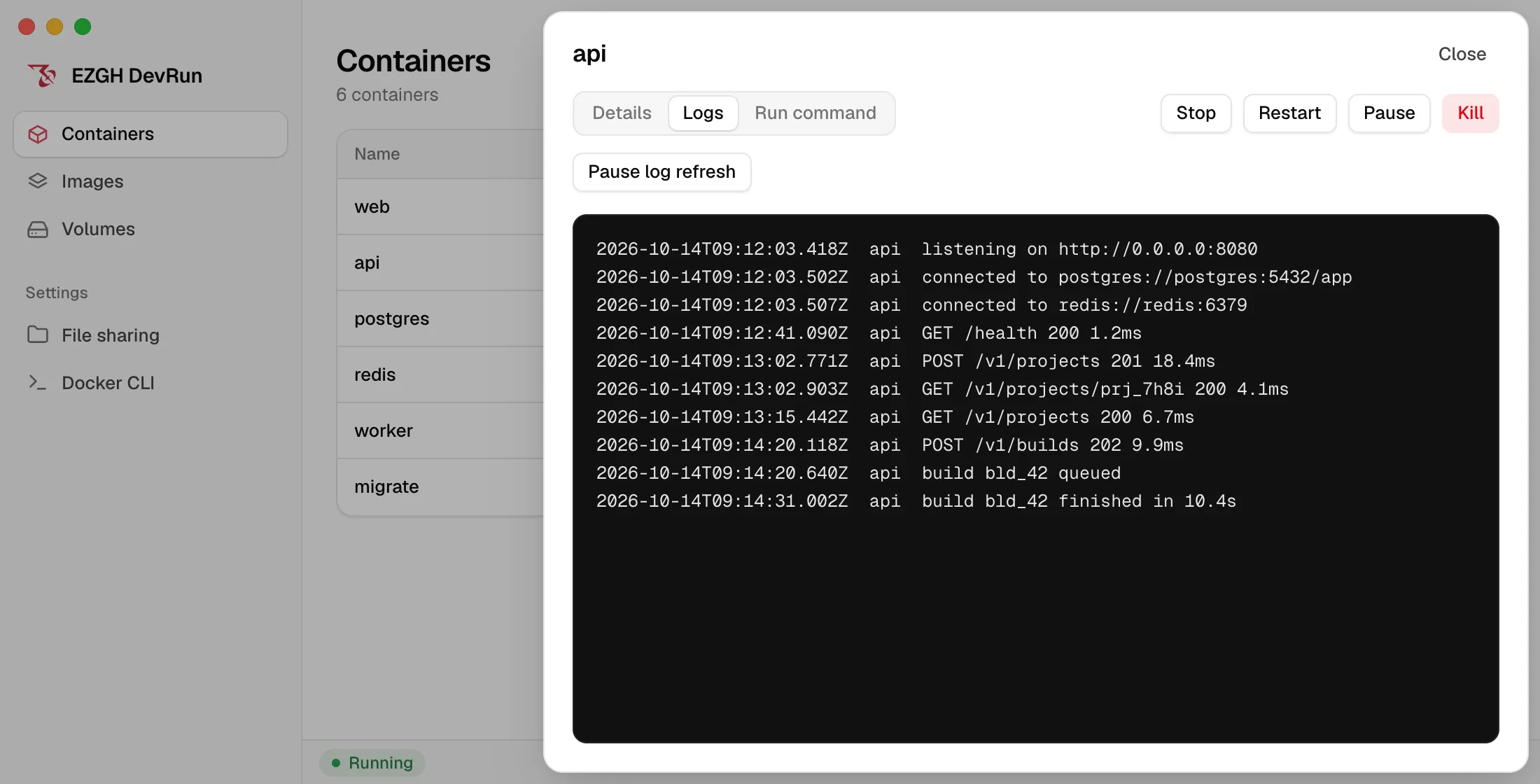
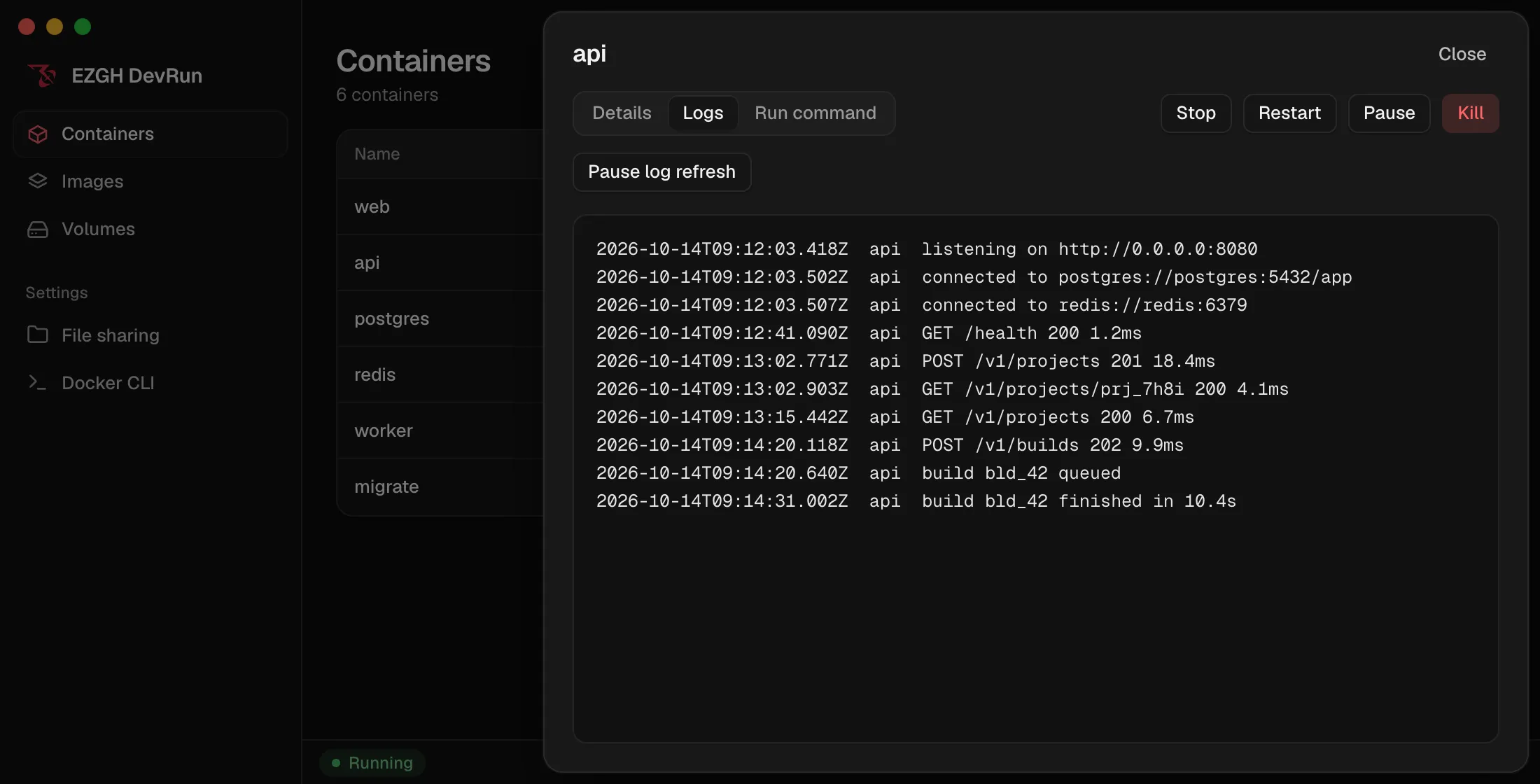
Logs, details and a shell
Open any container for its logs, its configuration or an interactive terminal.
Build from a folder
Pick a directory, a Dockerfile and a tag; follow the progress, or cancel.
Live usage
CPU, memory and disk for the VM, always in the status bar.
$ devrun container run --name db \ -e POSTGRES_PASSWORD=dev -p 5432:5432 \ -v pgdata:/var/lib/postgresql/data postgres:17$ devrun container exec -it db psql -U postgrespostgres=# select 1;The devrun CLI
Scriptable, on the same runtime.
The CLI covers containers, images, volumes and builds, with --json on every command. It talks to the same VM as the app, so everything you start shows up in both.
- Virtual machine
- Native, on Apple silicon
- Runtime
- containerd, BuildKit
- Disk
- 256 GiB, sparse
Guides
Docker on the Mac, explained.
Docker Desktop alternatives for Mac in 2026, compared
OrbStack, Colima, Podman Desktop, Rancher Desktop, Apple container, Lima and DevRun compared on license, engine, Compose, file sharing, Kubernetes and Mac support.
Oct 14, 2026
How to run Docker on a Mac without Docker Desktop
Run docker, docker compose and docker build on an Apple Silicon Mac without Docker Desktop, using the Docker CLI from Homebrew and the DevRun engine.
Oct 14, 2026
Apple container vs Docker: what Apple's container tool does
Apple's open-source container tool runs each Linux container in its own lightweight VM on Apple Silicon. How it differs from Docker, and what it can't do yet.
Oct 14, 2026
Questions
Frequently asked questions.
- Do I need Docker Desktop or Docker Engine?
- No. DevRun runs containers with containerd in its own VM. To use docker and docker compose commands, install the Docker CLI and the Buildx plugin; DevRun is the engine they talk to.
- macOS asks me to confirm opening DevRun. Why?
- DevRun isn’t notarized by Apple yet. The first time you open it, go to System Settings › Privacy & Security and click Open Anyway. You only do this once.
- Which Macs does DevRun support?
- Apple Silicon Macs running macOS 13 Ventura or later. Intel Macs aren’t supported.
- Where do published ports listen?
- On 127.0.0.1 on your Mac. TCP ports are supported; UDP publishing isn’t yet.
- Which folders can containers mount?
- Your home folder and /tmp by default. Add more under File sharing in the app or with devrun share configure; new folders apply after the VM restarts.
- Do file watchers see changes from my Mac?
- Edits from your Mac don’t raise inotify events inside containers, so set dev servers to poll, for example Vite’s server.watch.usePolling.
- What can I build?
- ARM64 images from a local folder, with alternate Dockerfiles, multi-stage targets, build arguments, several tags and --no-cache. Pushing images and private registry credentials aren’t supported yet.
- What happens when I close the app?
- The VM keeps running in the background, so the devrun CLI and your Docker clients keep working. Opening the app again picks up where you left off.
- Does it change my Docker setup?
- No. devrun docker-env only sets variables in the shell you run it in. Your saved Docker contexts, default builder and credentials stay as they are.
Run your first container in a minute.
Download the app, open it, and the VM starts. Your Docker CLI is one command away.